

Quizzes and surveys look simple on the surface. A few questions, some buttons, a results screen. In production, they turn into a compact product with real demands: smooth UX, accurate data, privacy-safe tracking, and integrations that do not buckle under traffic spikes. Teams that treat them like first-class features ship faster and spend less time untangling edge cases later.
Tools like Quizell can speed up launch cycles for quizzes and surveys when a team wants a polished flow without rebuilding every piece from scratch. Still, strong implementation fundamentals matter, because the “last mile” lives inside the app: routing, identity, analytics, security, and the way responses turn into action.
Define the Quiz Architecture Before Writing UI
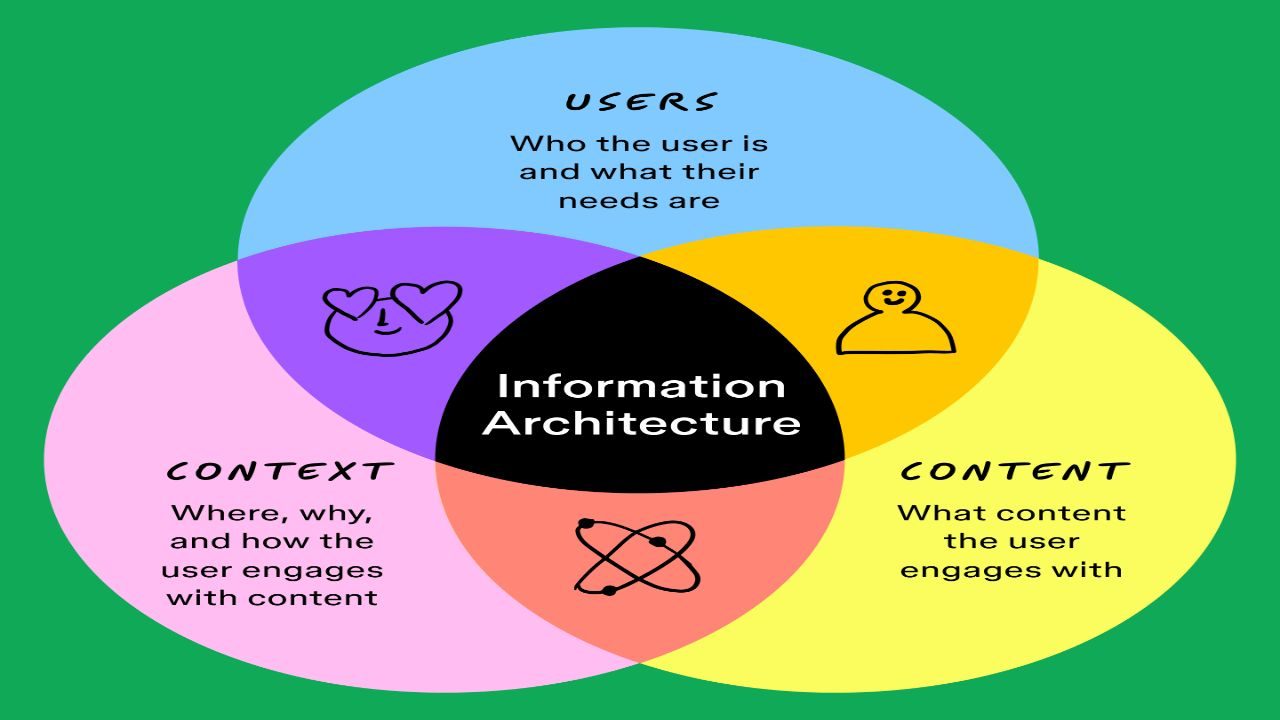
Start by deciding what a “quiz” means in your system. Is it a static form, a branching decision tree, a scored assessment, or a conversational flow? That choice drives everything else: data modeling, validation rules, caching, and where you compute results. A simple but durable approach is to store quizzes as versioned schemas and store attempts as immutable events. Versioning prevents broken analytics when questions change later.
Next, separate authoring concerns from runtime concerns. Authoring needs rich configuration: question text, choices, validation, branching rules, and localization. Runtime needs a lean payload optimized for rendering and fast navigation. Many teams keep an authoring model in a CMS or internal admin tool, then publish a “compiled” runtime artifact to a CDN or a dedicated endpoint. That gives you quick loads and consistent behavior across web and mobile clients.
Finally, decide where business logic runs. Client-side logic offers instant interactions and lower server load. Server-side logic offers stronger control, easier auditing, and safer handling of scoring rules. A pragmatic middle ground works well: keep non-sensitive branching on the client, compute final outcomes and “next best action” decisions on the server, and log the full attempt timeline for analysis.
Model Questions, Branching, and Outcomes Like a Product Team
A quiz data model should support change without breaking old attempts. Use stable IDs for questions and options, never rely on array positions. Store each question as an object with a type (single select, multi-select, free text, rating, date, matrix), constraints, and UI hints. Keep UI hints optional so the same model can power multiple front ends.
Branching rules deserve special care. Keep them explicit and testable. Instead of burying logic inside UI components, represent branching as conditions evaluated against an answer set. This makes it easier to unit test flows and easier to generate previews for QA. It also helps with accessibility, since your app can announce progress and next steps in a predictable way.
Outcomes should map cleanly to downstream actions. For a product recommender, the outcome might be a set of product IDs plus reasoning tags. For a survey, outcomes might be segment labels, a satisfaction score, or a routing decision for support. Store both the output and the inputs that produced it. That preserves traceability and helps explain results to internal teams without exposing sensitive internals to end users.
Build A UX That Feels Fast, Clear, and Forgiving

Great quiz UX feels like a guided flow, not a form dump. Break long experiences into digestible steps with a visible sense of progress. Keep transitions instant. Preload the next step when possible, especially in branching flows. Use optimistic UI for navigation and autosave, then reconcile with the server in the background.
Make input handling forgiving. People fat-finger on mobile. They change their minds. They lose connectivity. Add autosave per step and a “resume attempt” path. Use client-side validation for immediate feedback, then confirm on the server to keep data clean. For text inputs, store drafts with timestamps so you can recover the most recent intent after refresh.
Results screens should do more than show a score. They should explain the next step in plain language and offer clear calls to action that match the user’s context. For recommendation quizzes, that means showing a small set of high-confidence picks and a way to refine. For surveys, that means a confirmation, plus a visible promise of what happens next, like “We’ll use this to tailor your dashboard.”
Implement State, Persistence, and Offline Support Without Drama
Quiz state management gets messy when teams mix UI state with domain state. Keep them separate. UI state covers current steps, animations, loading flags, and error banners. Domain state covers answers, timestamps, and derived values. Treat answers as the source of truth and derive everything else from them.
Persistence should match the cost of losing progress. For short quizzes, storing progress in session storage plus periodic server sync can work. For long quizzes or regulated flows, persist every step to the server and return an attempt token. Tie attempts to access an account when available, but supports anonymous attempts with secure, expiring tokens. This balances ease of use and accountability.
Offline support does not need to be perfect to be valuable. A simple approach is to queue events locally, mark the UI as “saved on device,” and sync when the network returns. Conflict handling stays straightforward if you store answers as an append-only event stream. The server can accept events idempotently, then rebuild the latest state by replaying them in order.
Treat Security, Privacy, and Accessibility as Core Requirements

Quizzes and surveys often collect personal data, preferences, and free-text input. That makes them a common target for abuse. Validate and sanitize inputs on the server. Rate-limit attempt creation and submission endpoints. Add bot protections where risk is high, especially on public lead-gen quizzes. Lock down admin and publishing pipelines, since a compromised quiz definition can become an injection vector.
Privacy needs design decisions, not disclaimers. Minimize what you collect. Avoid storing raw free text when a structured answer works. Separate identity from responses when you can, using linked references instead of embedding emails or user IDs in response payloads. Set retention rules and enforce them. If analytics tools enter the picture, ensure events do not leak sensitive content like typed responses or health data.
Accessibility makes quiz completion smoother for everyone. Use semantic HTML for controls, ensure keyboard navigation works end to end, and announce errors with ARIA live regions. Keep focus management tight when moving between steps. Respect reduced motion settings. Provide labels that make sense out of context, since screen readers often read controls without surrounding layout clues.
Instrument Analytics and Integrations That Drive Real Outcomes
Quizzes and surveys earn their keep when teams can measure impact and act on results. Define events that reflect user intent: started, completed, abandoned step, changed answer, viewed results, clicked recommendation, submitted lead, returned to resume. Track latency and error rates as well, since a slow step kills completion.
Connect outcomes to your systems with care. For commerce apps, sync segments or product-fit tags to CRM and marketing platforms. For SaaS, route feedback to support queues, success teams, or in-app personalization. Build integrations behind a small internal contract, such as “publishOutcome(attemptId, outcomePayload).” This keeps vendor swaps painless and reduces coupling between quiz logic and third-party APIs.
Finally, test the full loop in production-like conditions. Run synthetic attempts on schedules. Monitor funnel metrics by device and browser. Watch for shifts after quiz edits. When completion drops, inspect the step where users exit, then review UI friction, load times, and unclear wording. Quizzes reward iteration, as long as the implementation stays stable, observable, and easy to evolve.